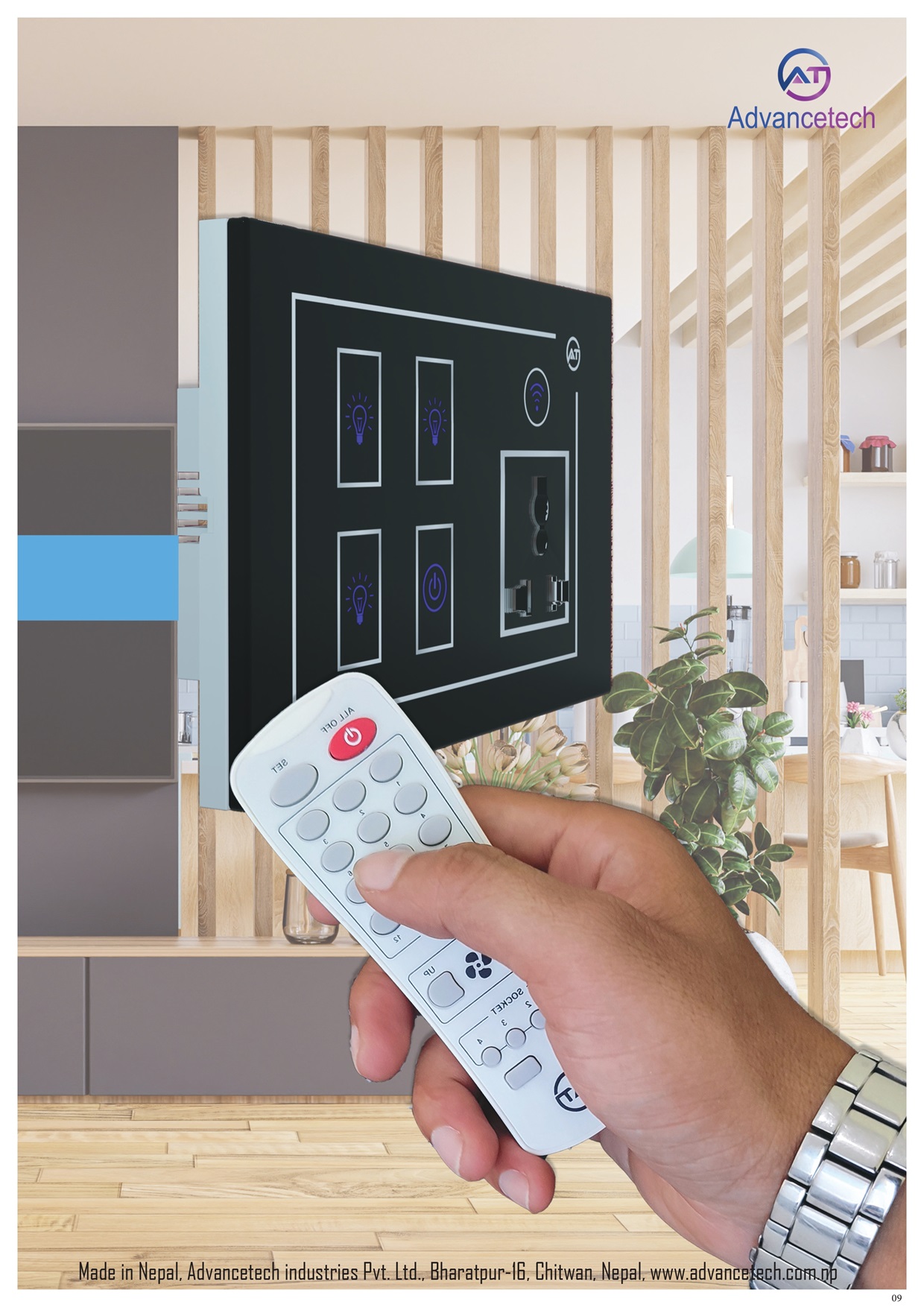
How to control smart switch?
-
1. How To Install Smart Switch
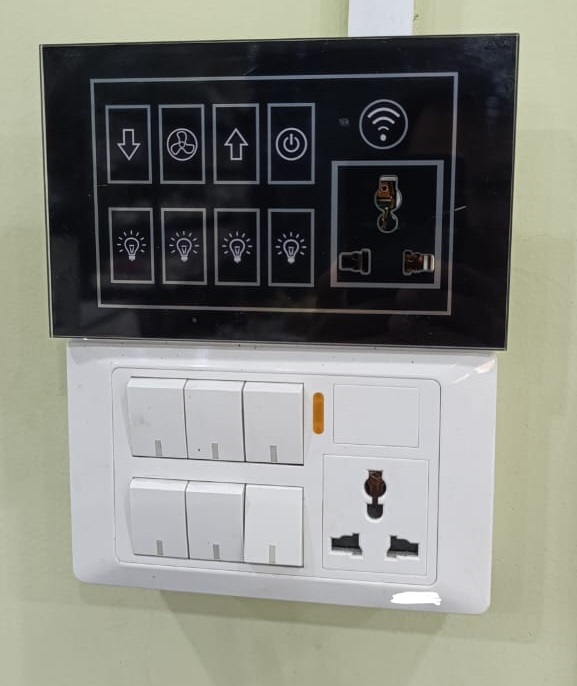
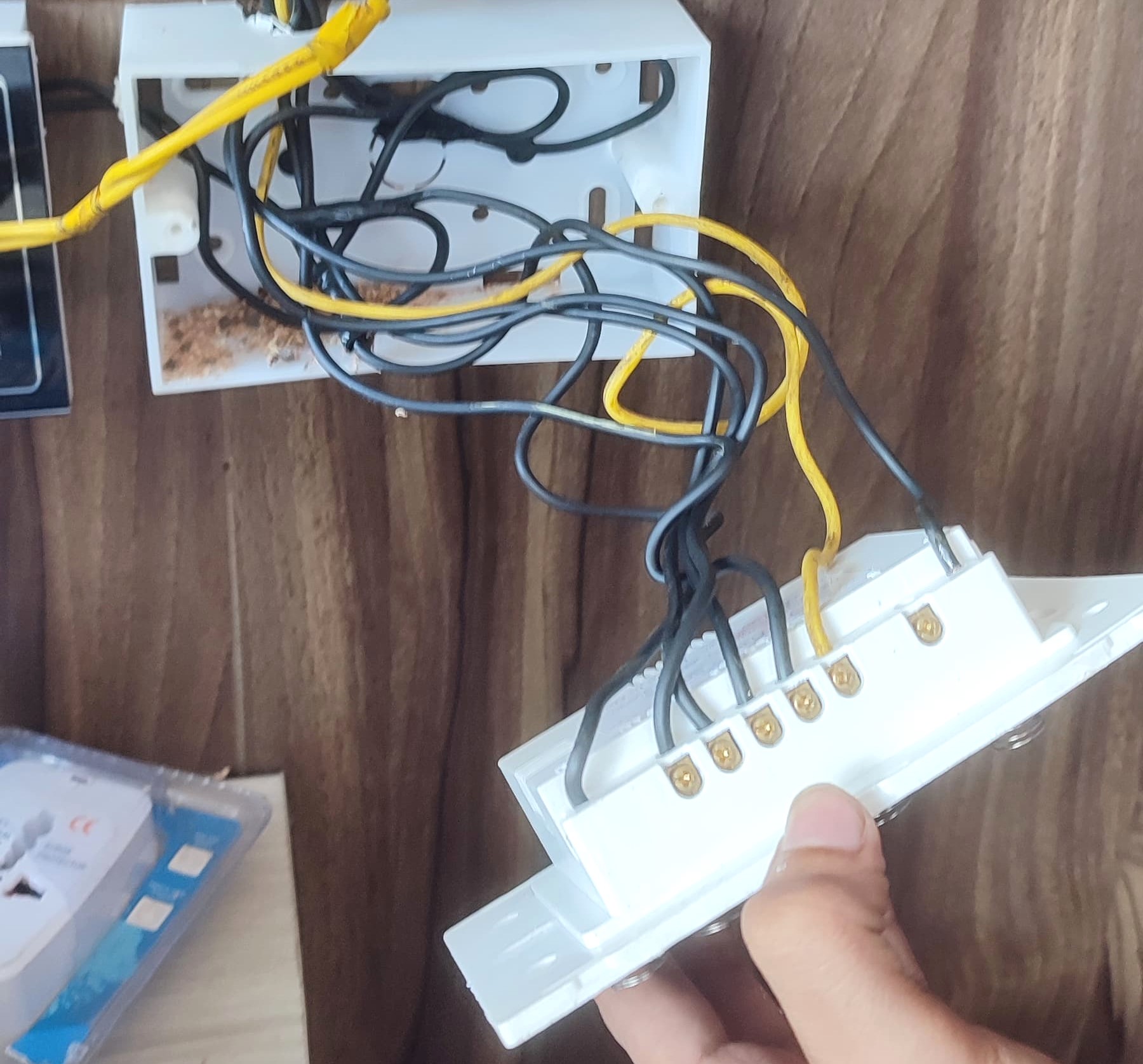
Instead of your normal mechanical switch board in your homes and office you can easily install our AT smart switch without change in any wire and others like lights, fan , AC, Washing machine, etc

2. Control through Mobile Application
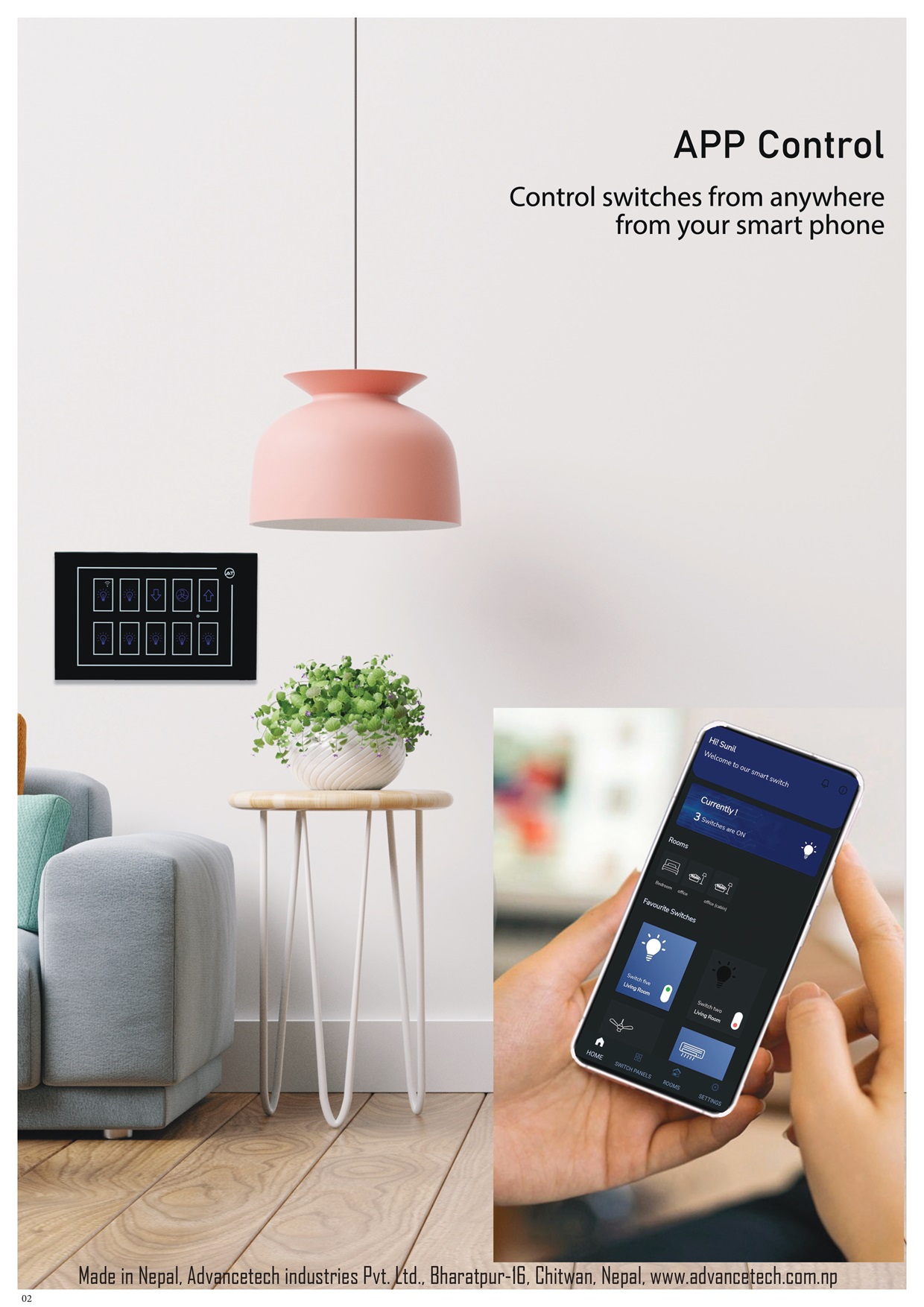
1. Effortless Access Anytime, Anywhere: Our smart switches are designed to provide you with unparalleled convenience. With our mobile app, you can control your electrical switches from anywhere in the world. Whether you're at home, at work, or on the go, managing your lighting, appliances, and other electrical devices has never been easier. 2. User-Friendly App Interface: The Advancetech mobile app is crafted with user experience in mind. Its intuitive design allows you to navigate effortlessly and access all features with just a few taps. From turning lights on and off to setting schedules, the app simplifies everyday tasks and enhances your control over your environment. 3. Customizable Control: Personalize your smart switch experience with customizable settings. Create schedules, set timers, and program scenes to match your routine or mood. Our app lets you group switches, control multiple devices simultaneously, and create automated scenarios that fit your lifestyle. 4. Real-Time Monitoring and Alerts: Stay informed with real-time monitoring and notifications. The app provides instant updates on the status of your devices, so you can keep track of your energy usage and receive alerts for any unusual activity. This feature helps you stay connected and in control, ensuring peace of mind whether you're near or far. 5. Seamless Integration: Our smart switches and mobile app integrate seamlessly with your existing smart home ecosystem. Compatible with popular voice assistants and home automation systems, you can use voice commands or other smart devices to control your switches, enhancing the convenience and efficiency of your smart home. 6. Enhanced Security: Security is a top priority. Our app includes advanced encryption and security features to ensure that your data and control commands are protected. Rest easy knowing that your smart home system is secure from unauthorized access.
Customer Guide
-
Install AT Smart Switch App for your phones
You Can easily install our mobile application to control yours switches from Play store for android phones and App Stores for I-phones for Signup and login please check this video tutorial https://www.youtube.com/watch?v=dI5Lv4QFrH8
Connect your switch board to your mobile App
1.Open our AT Smart Switch in your mobile phone 2. Go to switch pannel section 3. Add Switch 4. Type your Wi-Fi network name and password in which you want to connect your switch board to operate. 5. Press 7 to 10 times the switch in your switch board that are symbolled with Wi-Fi indication. 6. Search Wi-Fi in your phones you should now get a Wi-Fi Name same as you switch board name and connect your phone to that network. 7.Now back to your AT Smart Switch App and click the connect button where are typed your Wi-Fi credential. For more details please check out the video link https://www.youtube.com/watch?v=9w1T3C10Wts
Edit and Delete Device
Open your AT Smart Switch Application. Goto Switch Pannel Section. Choose your Device that you want to delete or Edit and Then long Press. for more details please check the attached video tutorial. https://www.youtube.com/watch?v=TJXU3327QWw
Create Timer and Schedules for your Switches
Open your AT Smart Switch Application. Goto Switch Pannel Section. Open the switch board in which you want to set schedule for your switches. Long press in a switch in which you want to set time and schedule and flow the steps for more details please check the attached video tutorial. https://www.youtube.com/watch?v=TFy-_JBogec
How to Use Remote and Touch
Flow the video tutorial https://www.youtube.com/watch?v=Novcg9o9KaE
How to use our Smart Switch
01
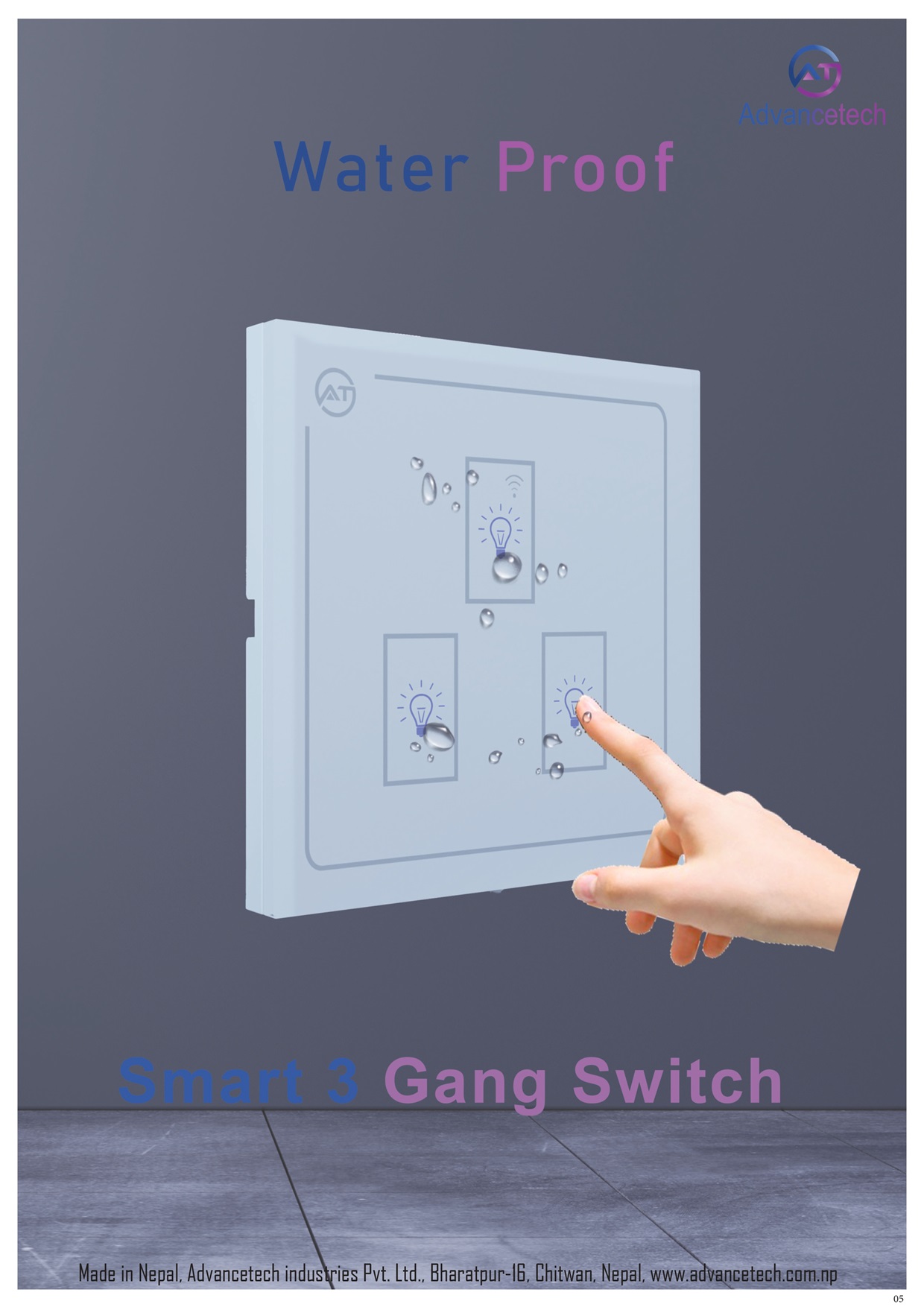
Transform your environment with our exquisitely designed touch switches, a stylish alternative to traditional mechanical electrical switches.
02
Elevate Your Space with Stylish Remote Switches Discover the elegance of our remote switches, a sophisticated alternative to traditional mechanical electrical switches. Designed to blend seamlessly with modern interiors, our remote switches offer both beauty and convenience.
03
Elevate your interior with our beautifully designed mobile app-controlled switches, a chic alternative to traditional mechanical electrical switches. Elegant Modern Design: Our mobile app-controlled switches feature a sleek, sophisticated design that enhances any room's aesthetic. With their clean lines and stylish finishes, they seamlessly integrate into contemporary décor, offering both functionality and visual appeal.